A
Direct booking form
The agent helps find a trip and sends a booking link. On the page, the passenger chooses seats, enters their details, and pays.
Find the trip in chat. Complete the booking on the page.
Transport · Terra integration
Connect your bus operation to Eclectic through Terra. Help passengers find a trip in the conversation, then continue to seat selection and payment.
Three ways to book
All three proposals share Terra trip search, a visual seat map, and Webpay payment. Each adds assistance before the passenger reaches the form.
The agent helps find a trip and sends a booking link. On the page, the passenger chooses seats, enters their details, and pays.
Find the trip in chat. Complete the booking on the page.
Alongside trip search, the agent collects each passenger’s details. The form arrives prefilled: the passenger chooses a seat, reviews their details, and pays.
Fewer details to type again on the booking page.
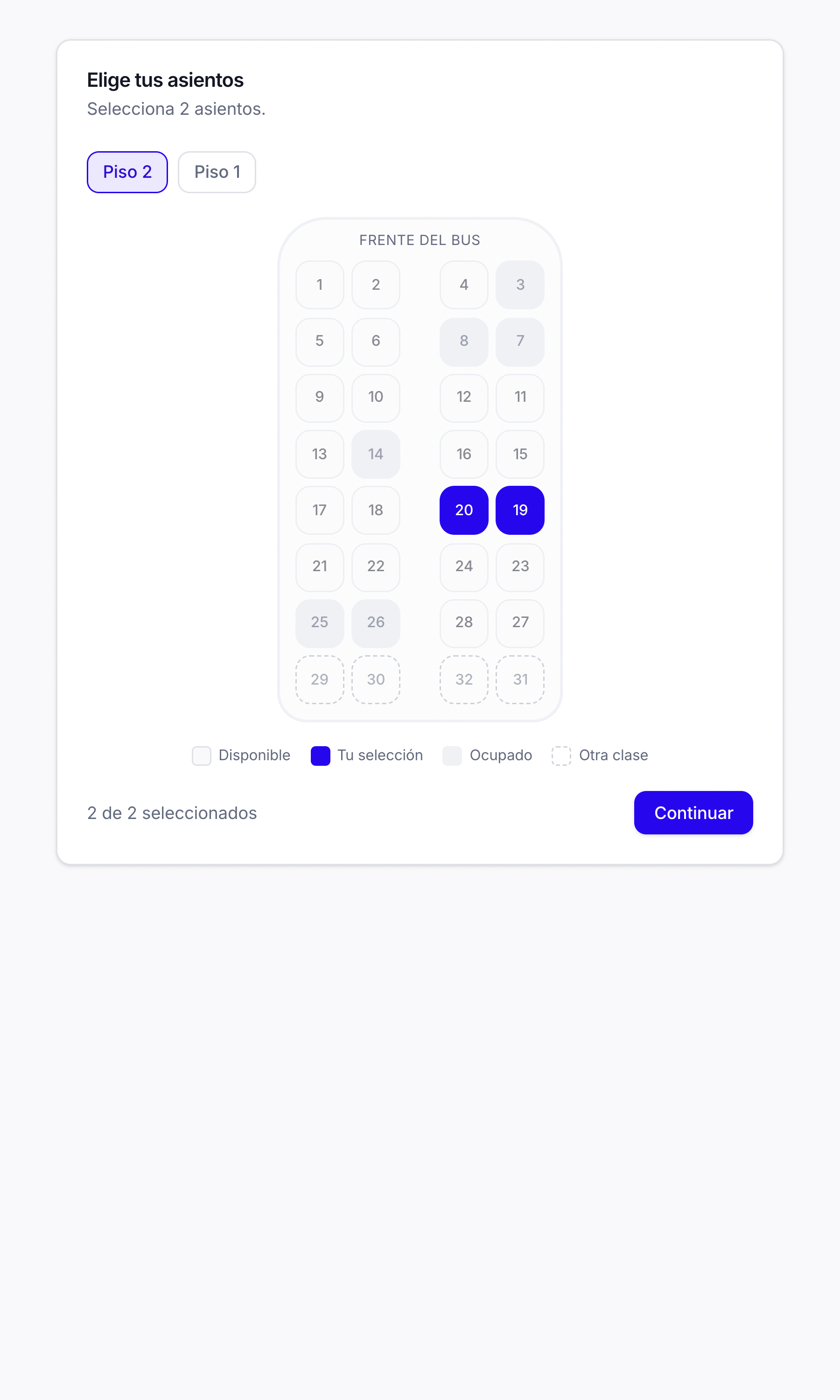
Adds a seat suggestion to flow B using the map for that departure. If accepted, the map opens with the seat selected so the passenger can confirm or change it.
Prefilled details and a proposed seat, with a final review.
Implementation options to suit your operation. In every flow, the passenger reviews their details on the page and continues to Webpay.
See the integration
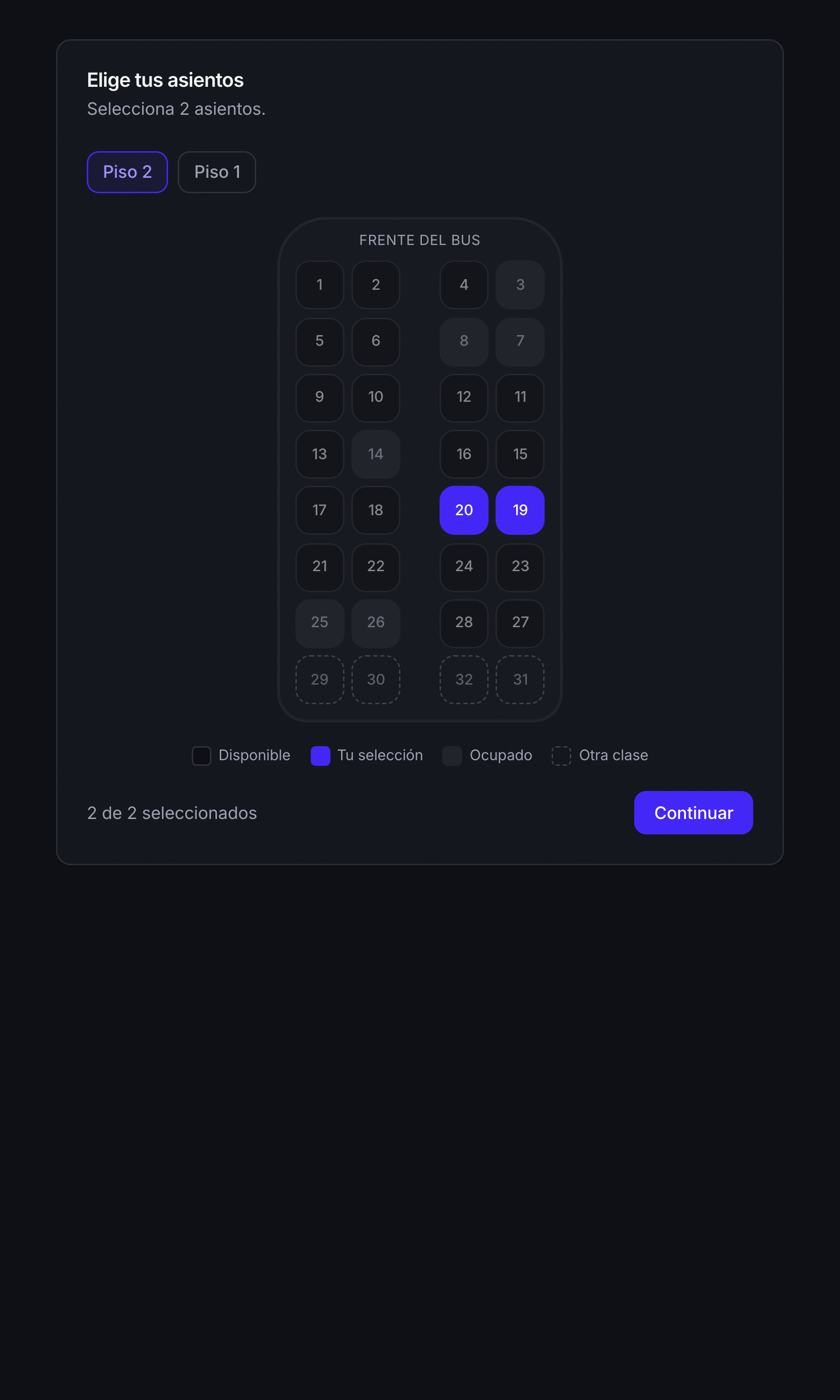
Terra seat map with deck selection and availability for each departure.